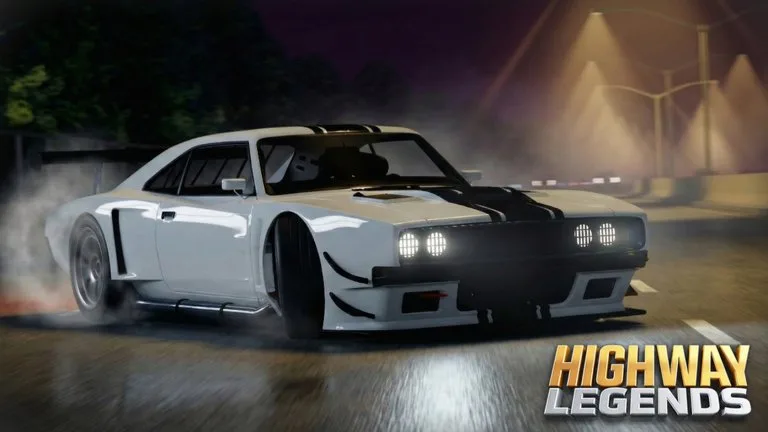
Liveries and the radio are separate passes. Neither one changes top speed.
Livery Customization
The official pass is 149 Robux. Its text says it opens livery customization in the tuning shop so you can apply liveries. After the purchase, drive into the garage. If the livery menu stays red and will not open, rejoin so the pass can register.
Built-in liveries apply from the menu. Community wraps use a top ID and a side ID. Those are Roblox decal asset numbers, not cash codes.
- Get the car template from the livery channel in the Highway Legends Discord.
- Paint only the wrap. Remove the template car so the image background is empty.
- Upload the image as a decal in the Roblox Creator Hub.
- Copy the number from that decal's URL.
- In the shop, paste it into the top ID or side ID field and confirm.
Roblox still has to approve the decal. A rejected image will not appear on the car. Stickers that are not cut to the template are reported to miss the body.
Car Radio Pass
The official pass is 99 Robux. It plays an audio asset id inside the car. Outside the car the same audio is muffled.
- Open the Roblox audio catalog at
https://create.roblox.com/store/audio. - Open a sound you are allowed to use.
- Copy the number in the address bar.
- Paste that number into the in-game radio.
A catalog id that the audio system blocks will not play. The pass does not bypass Roblox audio permissions.
Other looks
Underglow color is available without a pass. Extra Customization (299 Robux) adds plate styles, advanced underglow styles, and free suspension. Paint slots described for the shop are overall, auxiliary, wheels, calipers, interior, and underglow.